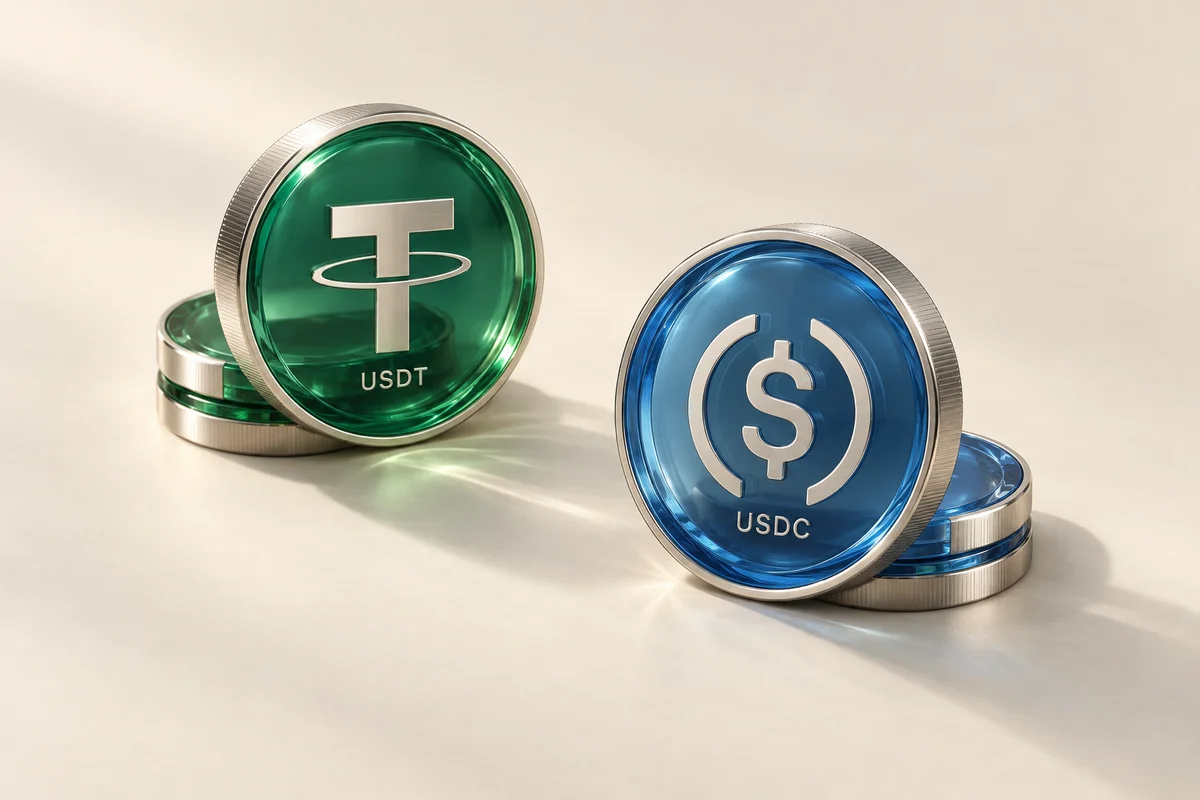
Keep your money where you use it.
Clusteer connects your existing wallet and bank account, without a stored Clusteer balance. Settlement partners process the transfer.
Understand the fund flow
Sell stablecoins for naira in your bank account.
Or buy with naira for your own wallet.
A clear view of your conversions and what comes next.
Start a conversion to naira. See the amount, rate and fee before you continue.
Find help with a conversion, network or account.
You can create an account today. Buying and selling are not available yet, so you cannot place an order or send a payment through Clusteer.
Buy stablecoins to your own wallet, or sell them for naira in your Nigerian bank account.
Complete identity verification before buying. Selling also requires address verification. Your account shows the verification steps and limits that apply.
Choose Buy, review an available asset and network, and enter your external wallet destination. Review the quote, then follow the payment instructions for that order. The order tracks payment and delivery.
Choose Sell and your bank destination, then review the quote. Follow the order’s transfer instructions using the exact asset, amount and network shown. Track the transfer and bank payout in your order.
Review the exchange rate, service fee and final amount in your quote before continuing. Network charges may also apply.
For a sell, your transfer needs network confirmation before the bank payout can proceed. For a buy, payment confirmation comes before delivery to your wallet. Timing varies with the network, payment checks and bank availability. Follow each step in your order, and contact support with its reference if a transfer needs attention.
Use the limits shown for your account and selected conversion. Limits depend on your verification level and selected route.
Clusteer is a conversion service, not a wallet for storing a balance. Buy orders are intended for delivery to your external wallet; sell orders pay out to your selected bank account. Settlement partners process the transfers along the way.
Check the converter for available USDT and USDC networks. Asset and network availability is confirmed by the conversion service; not every stablecoin is available on every network. Match the network in your wallet to the one selected for your order.
Always follow the instructions on the current order. Do not assume an address, payment account or reference from an earlier conversion is valid for a new one.
Check the asset, network, destination and amount against the current order.
Choose Forgot password on the sign-in page and follow the reset instructions. If you cannot access your registered email, contact support@clusteer.com for help. Never share your password, one-time codes or wallet recovery phrase.
Email support@clusteer.com with your order reference and a description of the problem. For an on-chain transfer, include the transaction hash. Do not include passwords, one-time codes or recovery phrases.
Check the latest order status and the original transfer details. If the status is unavailable or you need help, contact support with your order reference. Avoid sending a second payment while the first is being checked.
Use the password-reset flow and contact support@clusteer.com. Describe what happened without sending passwords or verification codes.
Turn a client payment into naira, convert only what you need, or buy stablecoins for your own wallet.

A client paid you in stablecoins. Convert the payment into naira for expenses at home.
Start with your name, email and Nigerian phone number. Verification is required before you can trade.
Have your bank account ready for a sell, or an external wallet for a buy.
When trading opens, check the final quote before following your order’s instructions.
Stablecoins in an external wallet, your Nigerian bank account details, and completed identity and address verification.
USDT and USDC can travel on different networks. The one you choose here must match the one in your wallet.
How to choose a networkChecking which networks you can use.
An asset’s name alone is not enough. Match the asset, network and destination before sending.
Keep control of where your money goes, and know what you’ll receive.
Clusteer connects your existing wallet and bank account, without a stored Clusteer balance. Settlement partners process the transfer.
Understand the fund flowSee what will reach your bank account before you continue, with the exchange rate and service fee shown together. Network charges may also apply.
How quotes workQuestions about your account or a conversion?
Talk to the teamClusteer mobile In development
We’re building the Clusteer app. Explore the screens, or get started on the web today.
Use Clusteer on the webAmount, rate, fee and destination, together.
Loading screen…
You can create an account today. Buying and selling are not available yet, so you cannot place an order or send a payment through Clusteer.
Review the exchange rate, service fee and final amount in your quote before continuing. Network charges may also apply.
Complete identity verification before buying. Selling also requires address verification. Your account shows the verification steps and limits that apply.
Check the converter for available USDT and USDC networks. Asset and network availability is confirmed by the conversion service; not every stablecoin is available on every network. Match the network in your wallet to the one selected for your order.
For a sell, your transfer needs network confirmation before the bank payout can proceed. For a buy, payment confirmation comes before delivery to your wallet. Timing varies with the network, payment checks and bank availability. Follow each step in your order, and contact support with its reference if a transfer needs attention.
Accounts are open. Buying and selling are not available yet. Set up your account while we prepare for conversions.
 500 USDCEthereum · ERC-20